import dascore as dc

patch = dc.get_example_patch(
    "ricker_moveout",
    velocity=100,
    duration=2,
)

patch.viz.waterfall();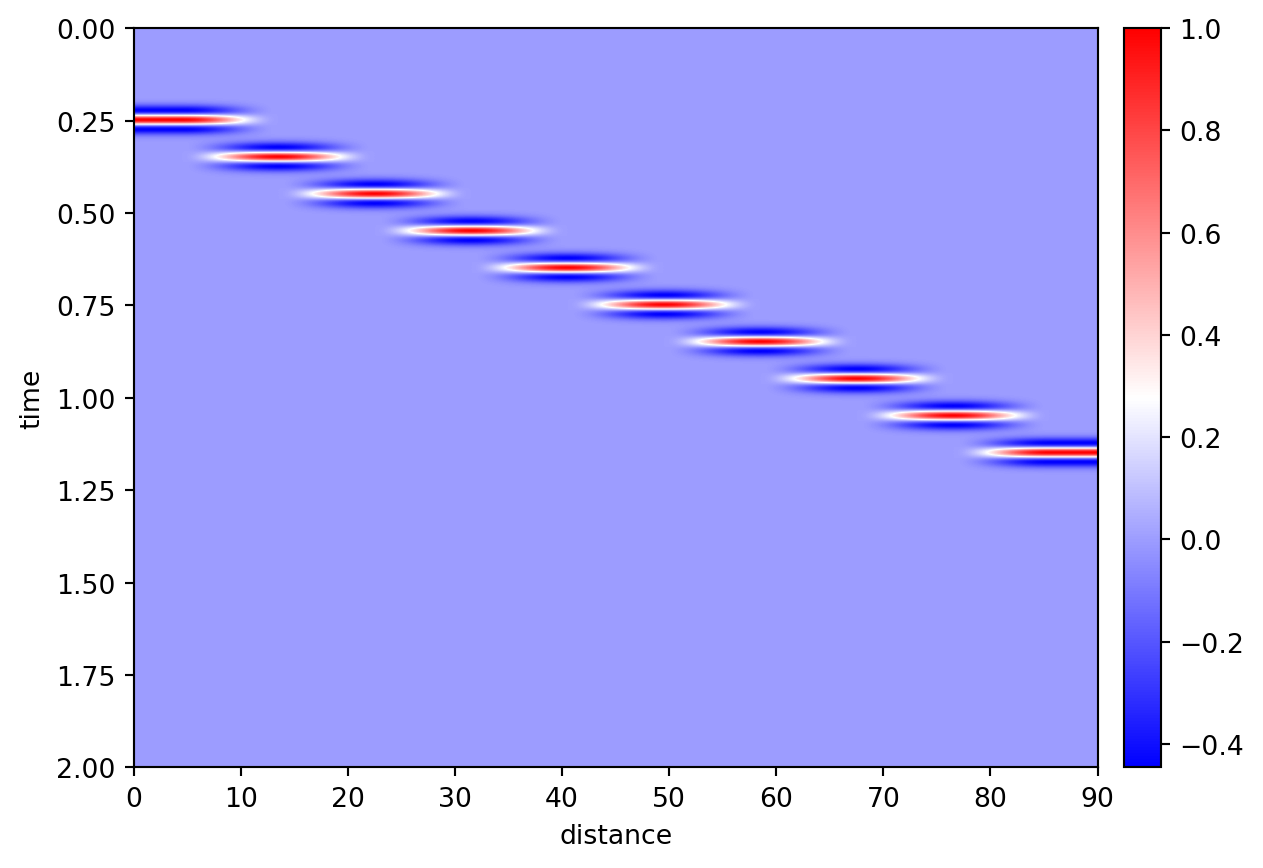
Cross-correlate a moving Ricker wavelet against one channel used as a virtual source.
import dascore as dc
patch = dc.get_example_patch(
"ricker_moveout",
velocity=100,
duration=2,
)
patch.viz.waterfall();
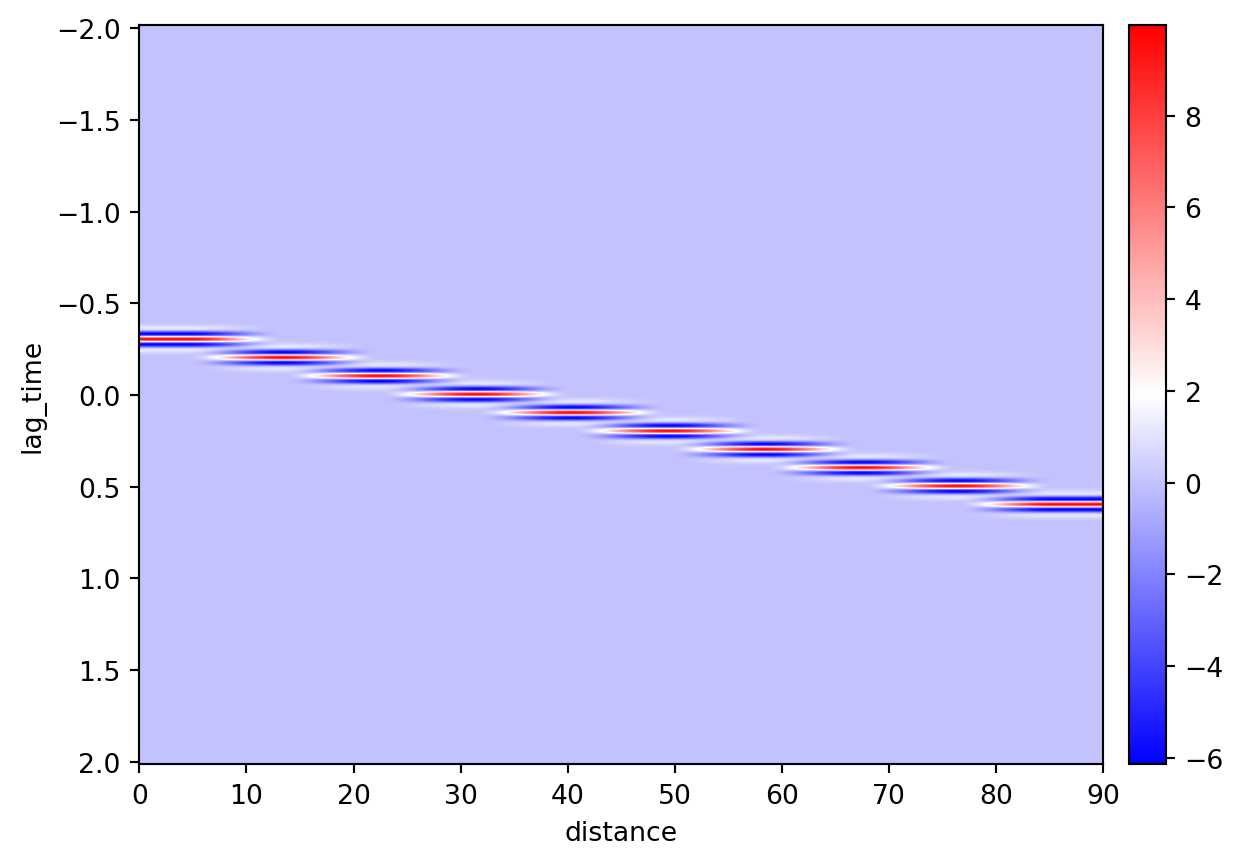
Use channel 4 (zero-based index 3) as the virtual source. Its autocorrelation is at zero lag; channels on either side have negative or positive lags while retaining the 100 m/s moveout.
corr = patch.correlate(distance=3, samples=True)
corr.squeeze().viz.waterfall();