import numpy as np

import dascore as dc

patch = dc.get_example_patch("example_event_2")
ax = patch.viz.waterfall()
ax.set_title("un-smoothed patch");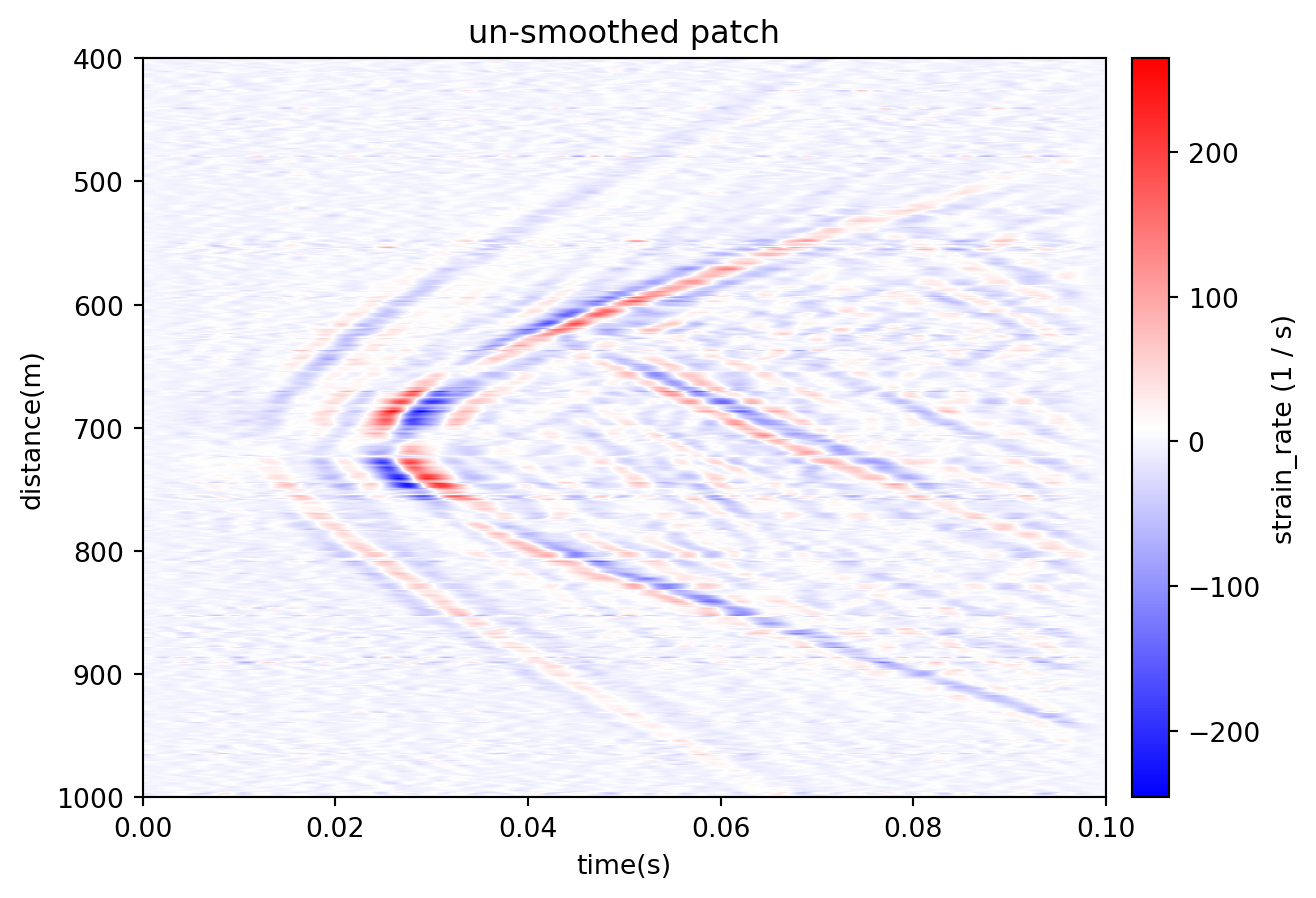
Compare three smoothing methods:
Patch.rolling produces edge NaN values; the other filters use their mode parameter and do not produce NaN values by default.
import numpy as np
import dascore as dc
patch = dc.get_example_patch("example_event_2")
ax = patch.viz.waterfall()
ax.set_title("un-smoothed patch");
Apply rolling aggregations along one or more dimensions:
smoothed_patch = (
    patch.rolling(time=0.005).mean()
)
ax = smoothed_patch.viz.waterfall()
ax.set_title("rolling time mean");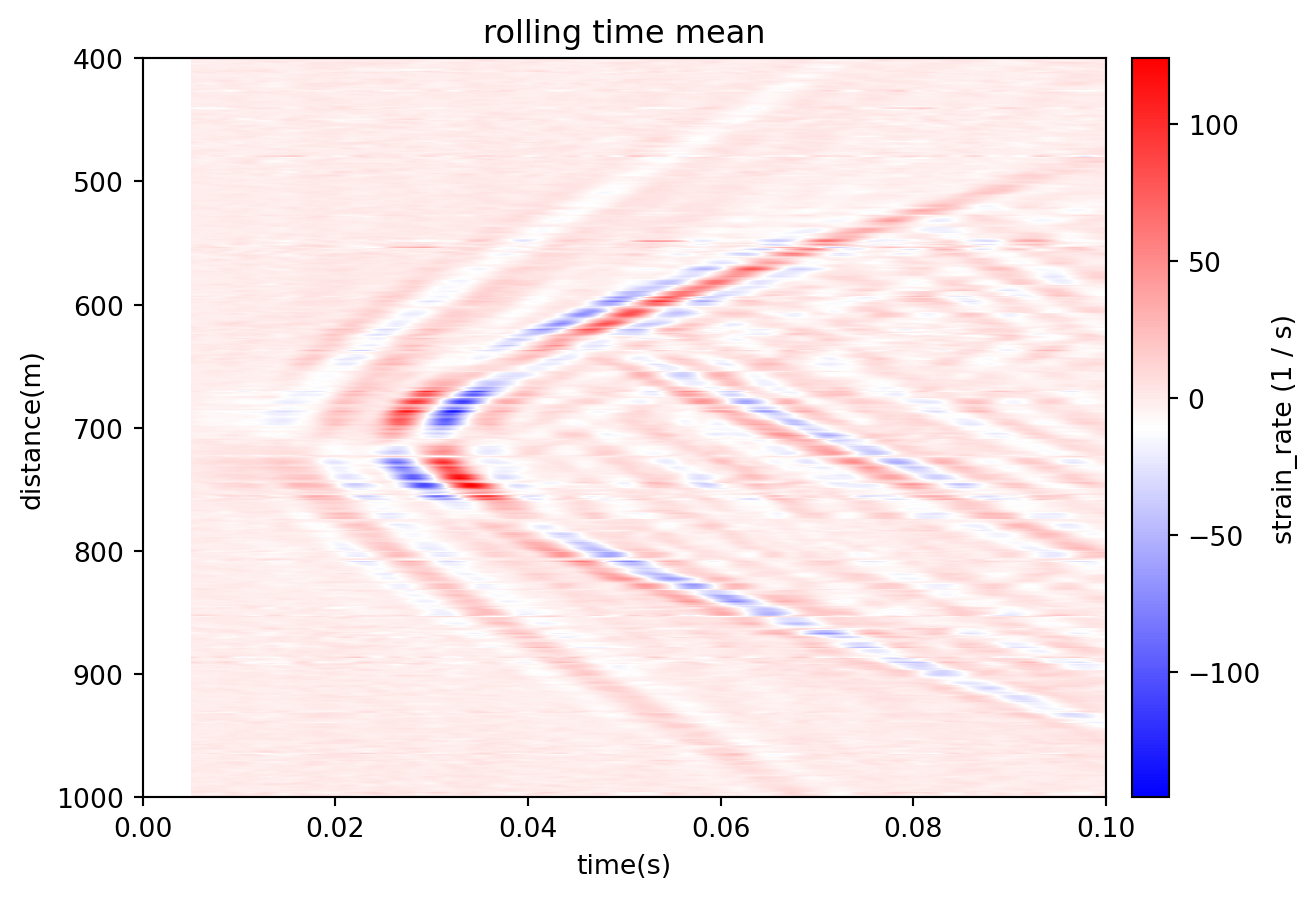
Median along distance:
smoothed_patch = (
    patch.rolling(distance=20, samples=True).median()
)
ax = smoothed_patch.viz.waterfall()
ax.set_title("rolling distance median");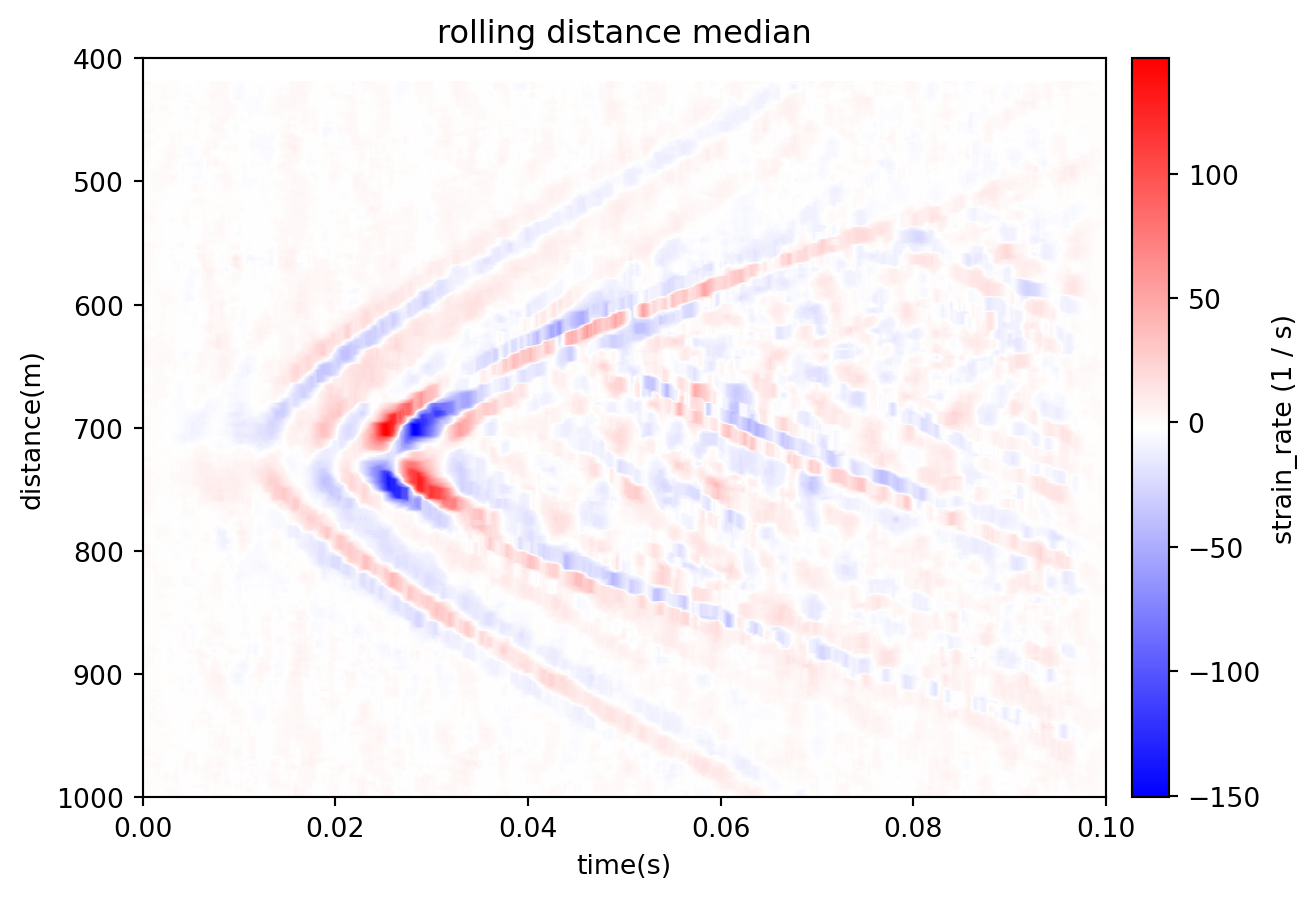
Sequentially combine them:
smoothed_patch = (
    patch.rolling(distance=20, samples=True).median()
    .rolling(time=0.005).mean()
)
ax = smoothed_patch.viz.waterfall()
ax.set_title("rolling time mean distance median");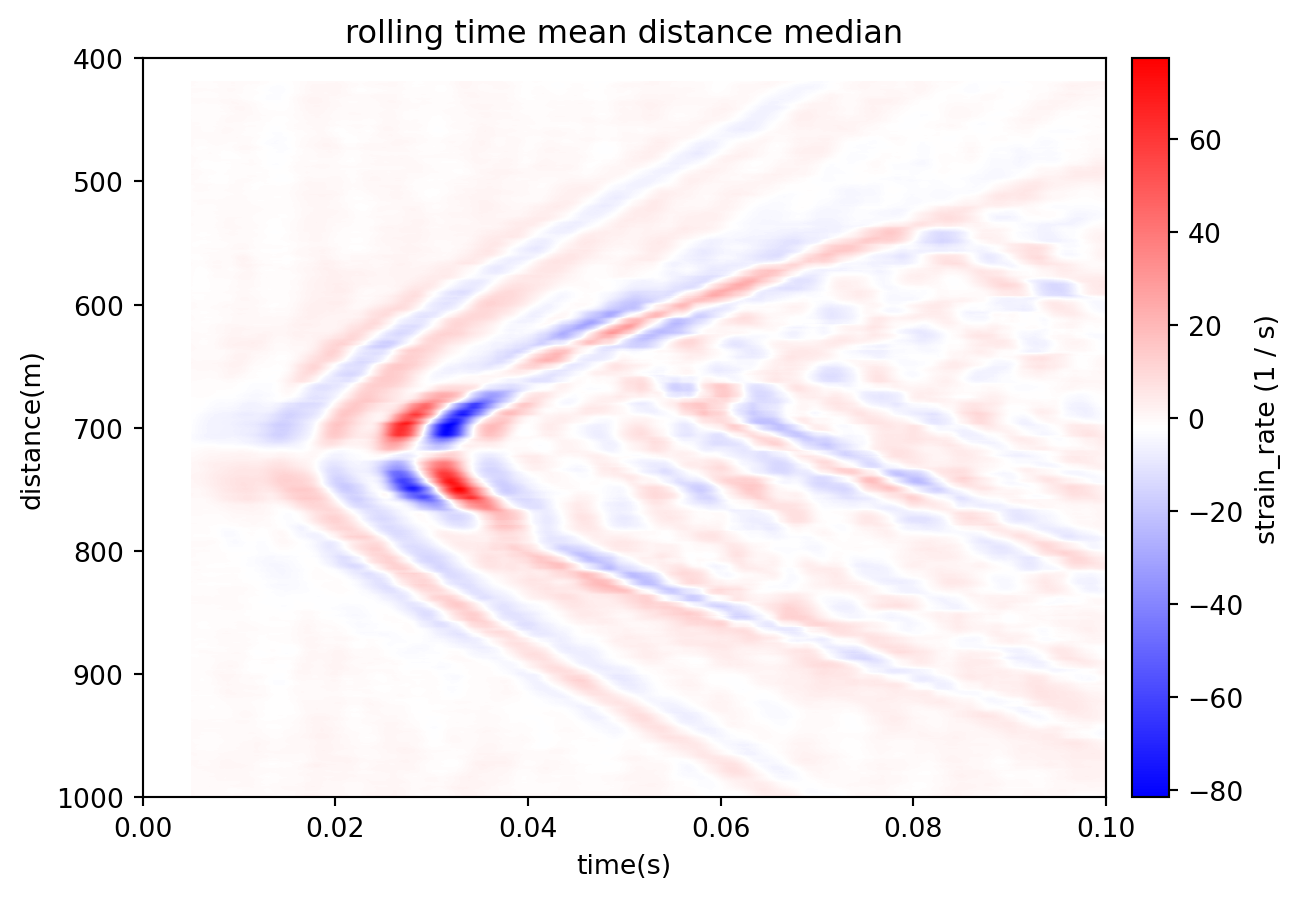
Inspect the edge NaN values:
nan_data = np.isnan(smoothed_patch.data)
print(f"Number of NaN = {nan_data.sum()}")

nan_patch = (
    smoothed_patch.update(data=nan_data.astype(np.int32))
    .update_attrs(data_type='', data_units=None)
)
ax = nan_patch.viz.waterfall()
ax.set_title("NaNs in Patch");
Number of NaN = 47537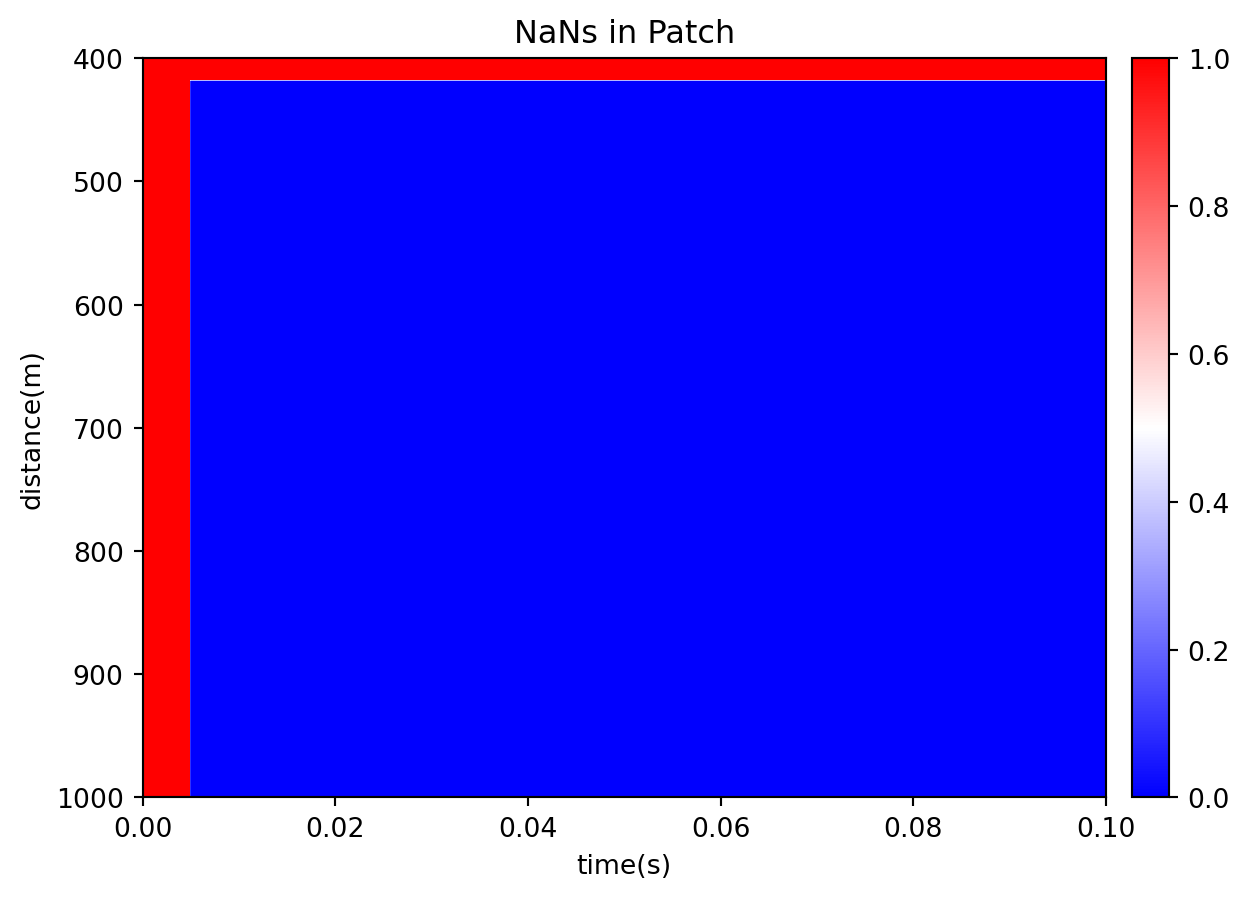
Drop them with Patch.dropna.
Patch.savgol_filter applies SciPy’s Savitzky–Golay filter.
smoothed_patch = (
    patch.savgol_filter(time=0.01, polyorder=3)
)
ax = smoothed_patch.viz.waterfall()
ax.set_title("savgol time");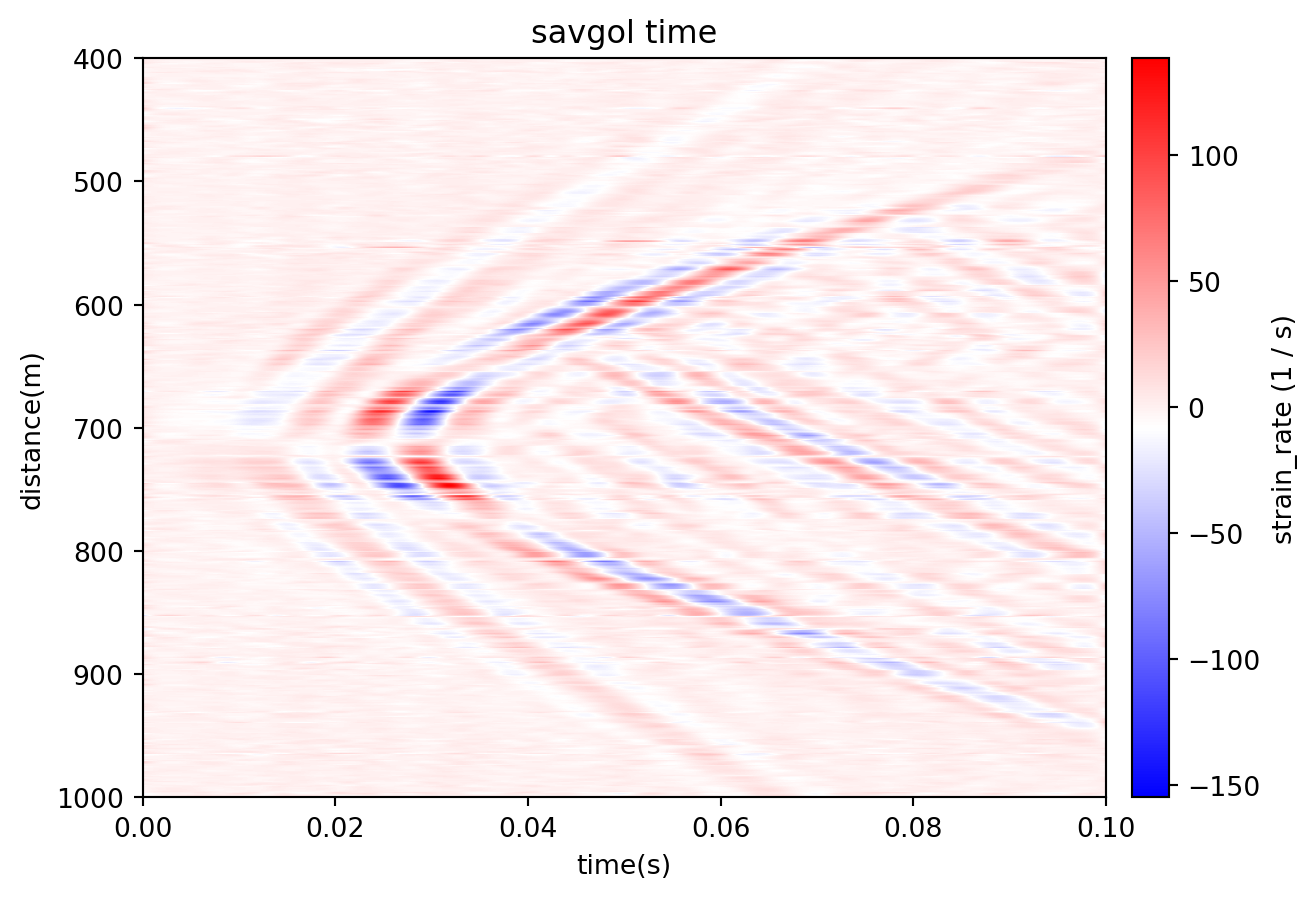
Pass multiple dimensions for sequential smoothing:
smoothed_patch = (
    patch.savgol_filter(
        time=25,
        distance=25,
        samples=True,
        polyorder=2,
    )
)
ax = smoothed_patch.viz.waterfall()
ax.set_title("savgol time and distance");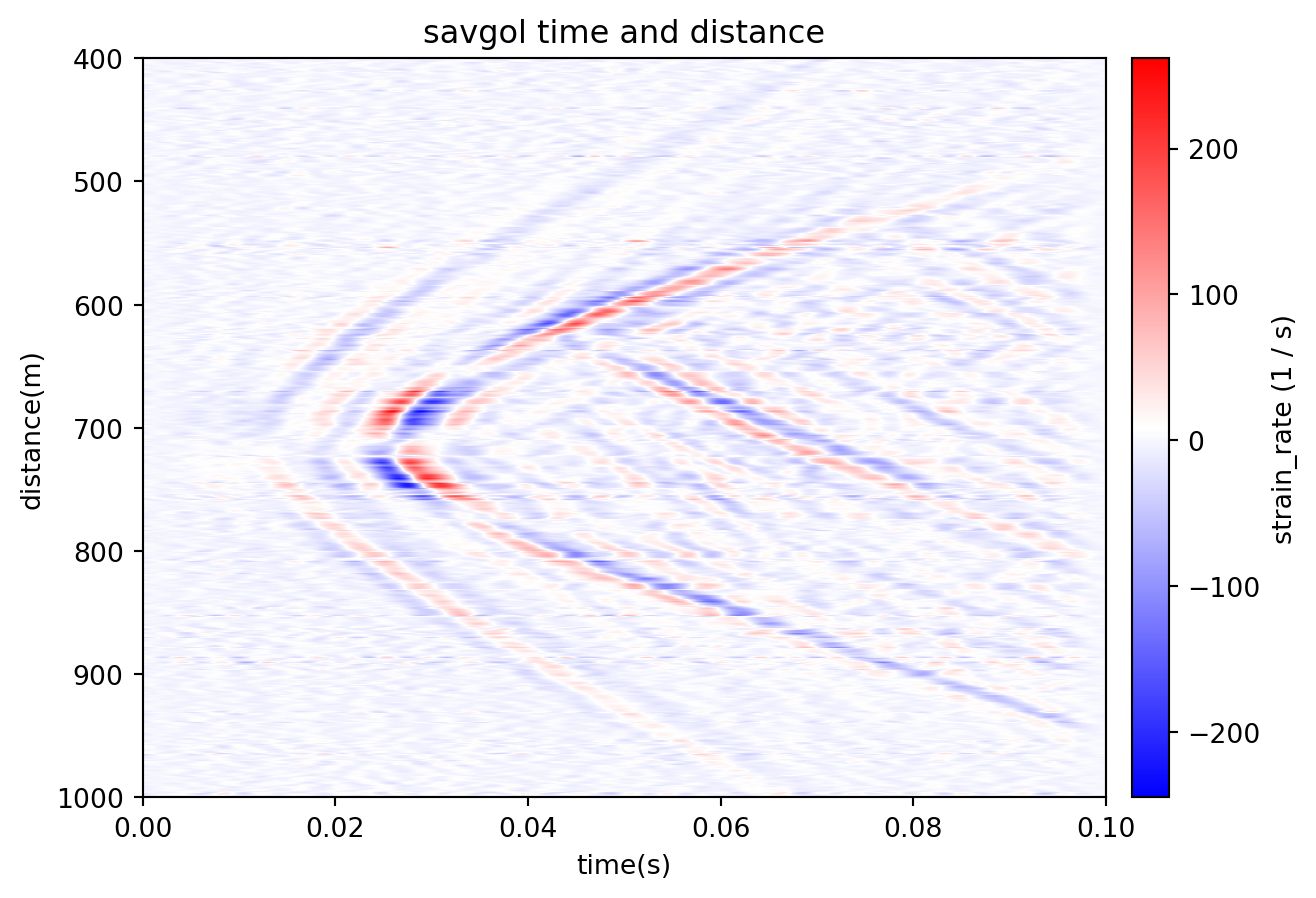
Patch.gaussian_filter takes the standard deviation per dimension; truncate controls the kernel radius in standard deviations.
smoothed_patch = patch.gaussian_filter(
    time=5,
    distance=5,
    samples=True,
)
ax = smoothed_patch.viz.waterfall()
ax.set_title("gaussian time and distance");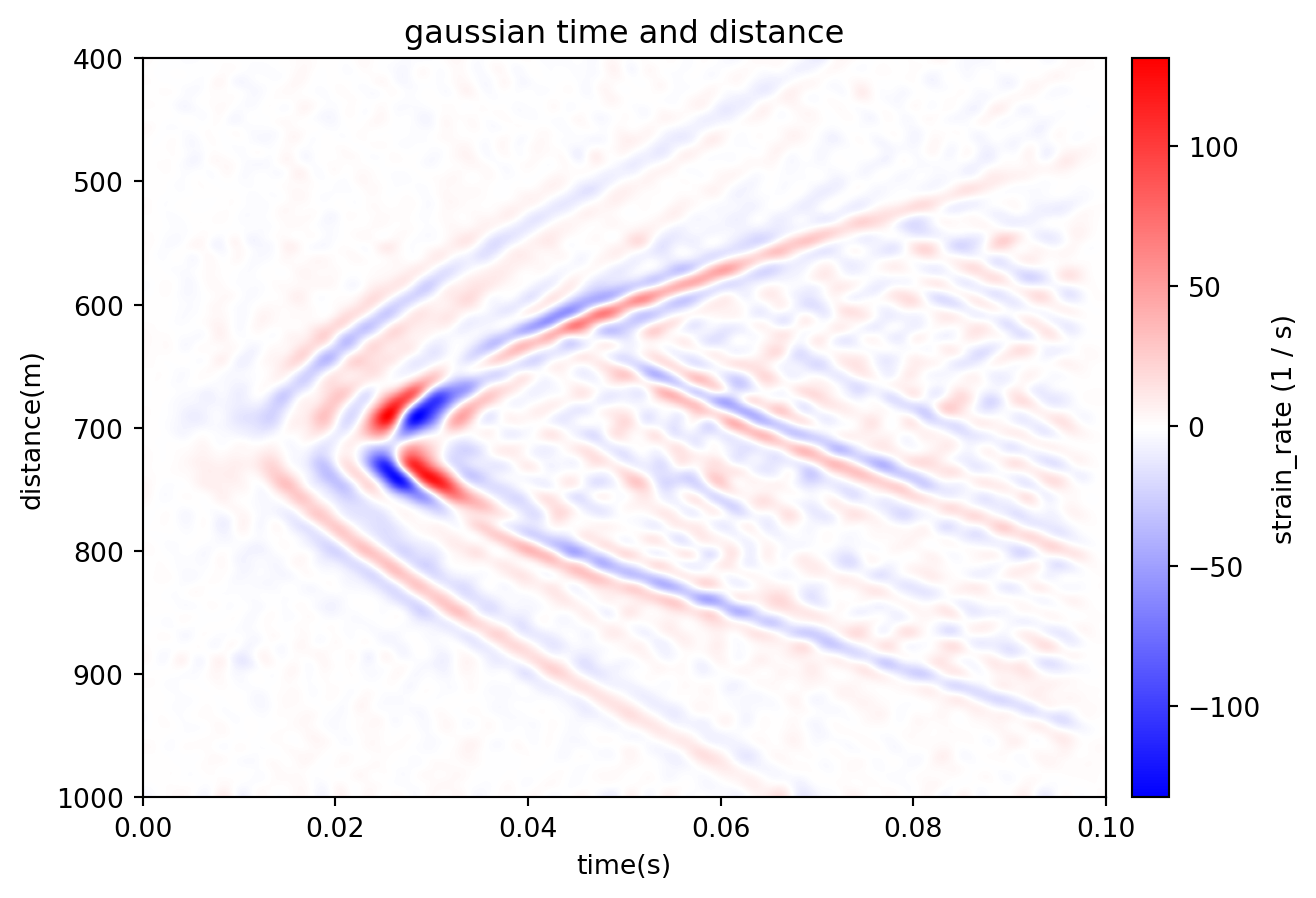
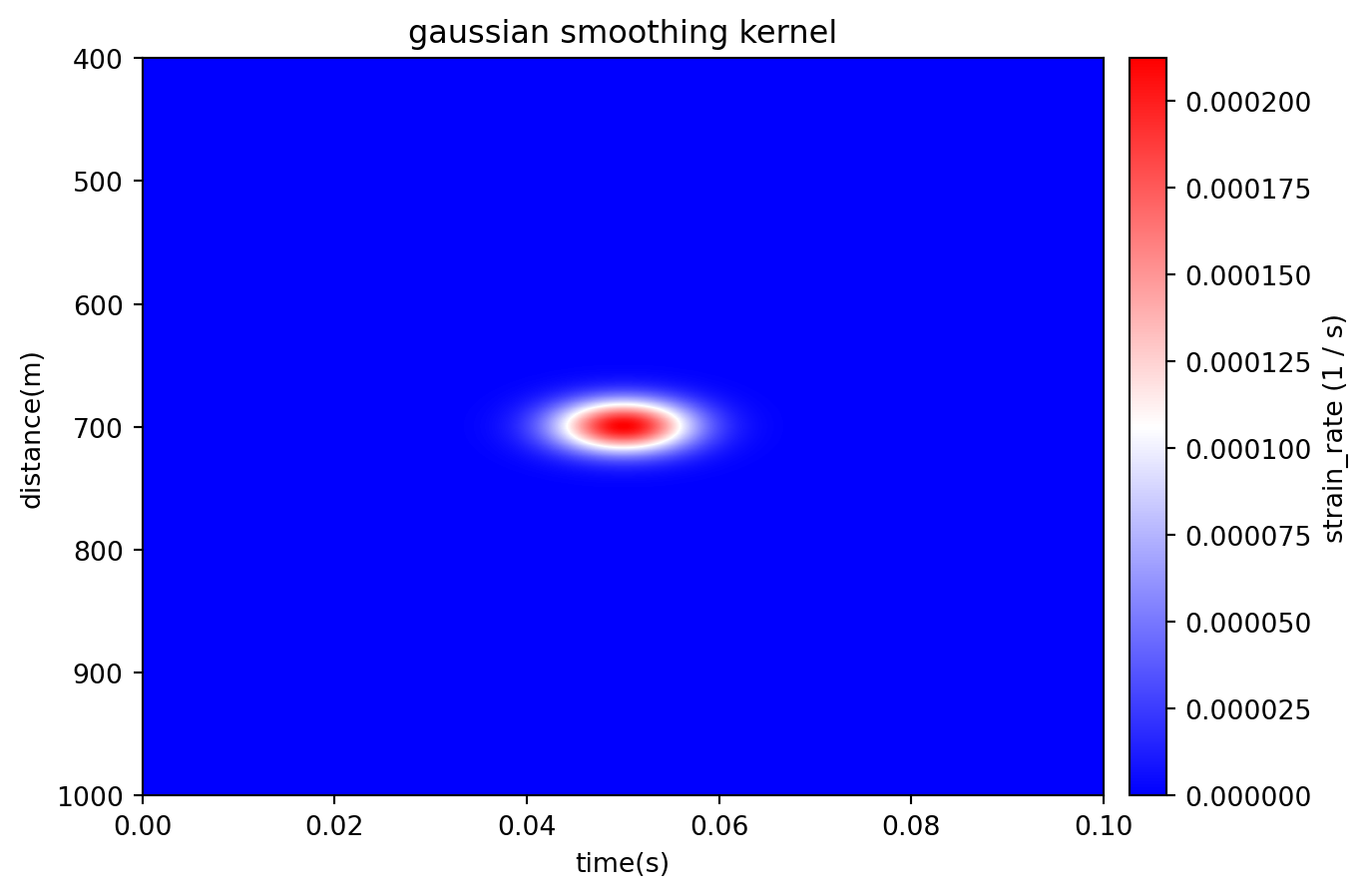
Apply it to an impulse to visualize the kernel:
data = np.zeros_like(smoothed_patch.data)
data[data.shape[0]//2, data.shape[1]//2] = 1.0

delta_patch = patch.update(data=data)

smoothed_patch = delta_patch.gaussian_filter(
    time=.005,
    distance=15,
)

ax = smoothed_patch.viz.waterfall(scale=1)
ax.set_title("gaussian smoothing kernel");