import numpy as np

start = np.datetime64("2022-01-01T15:12:11")
end = start + np.timedelta64(60, "s")
minutes = (end - start) / np.timedelta64(1, "m")Concepts
Data structures
Most DASCore work uses two objects: a Patch, which holds one n-dimensional array with coordinates and metadata, and a Spool, which manages patches in memory, on disk, or remotely.
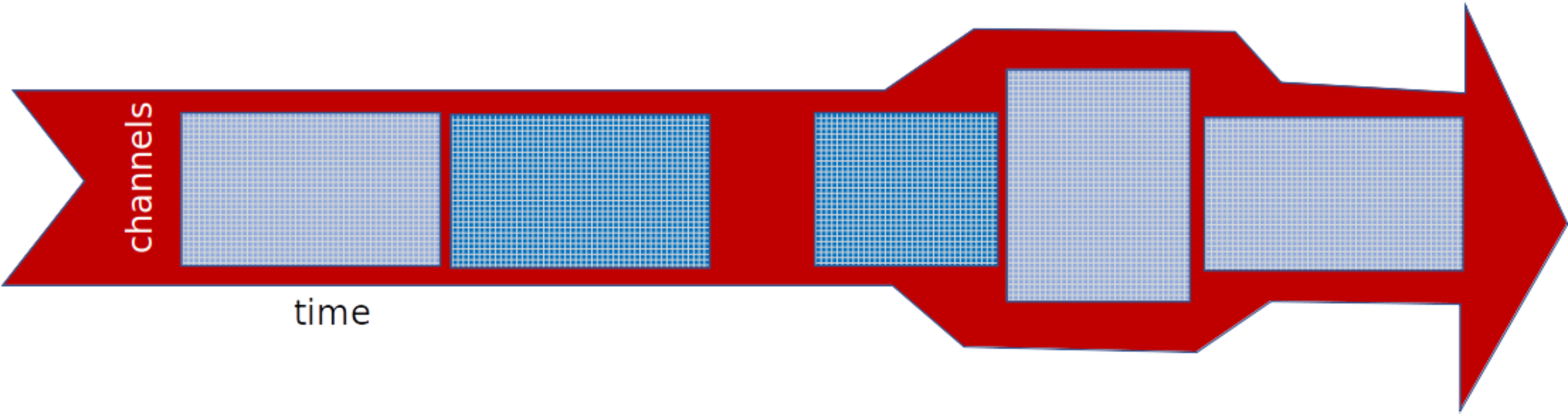
Patch operations are eager once a patch is loaded. Spool operations generally build lazy selections and chunking plans, loading patch arrays only when indexed, iterated, or mapped.
Time
DASCore represents absolute and relative time with NumPy datetime64 and timedelta64.
dc.to_datetime64 and dc.to_timedelta64 normalize common inputs:
import dascore as dc

time = dc.to_datetime64("2022-01-01T12:12:12.1212")
duration = dc.to_timedelta64(1.5)
Numeric values passed to to_datetime64 are Unix timestamps in seconds. Numeric values passed to to_timedelta64 are durations in seconds.
Dimension arguments
Most processing methods name a dimension as a keyword:
patch = dc.get_example_patch()
temporal = patch.pass_filter(time=(1, 5))
spatial = patch.pass_filter(distance=(0.1, 0.2))
The function determines what the values mean. For pass_filter, bare numbers are inverse coordinate units: frequency for time and wavenumber for distance. Datetime coordinates always use seconds; numeric coordinates use their declared units.
For a distance coordinate in metres, distance=(0.1, 0.2) means wavenumbers from 0.1 to 0.2 per metre, corresponding to wavelengths from 5 to 10 metres. If the coordinate is converted to feet, the same bare numbers instead mean inverse feet.
Attach quantities to make the intended band independent of coordinate units:
from dascore.units import m

by_wavenumber = patch.pass_filter(distance=(0.01, 0.1))
by_wavelength = patch.pass_filter(distance=(10 * m, 100 * m))
assert np.allclose(by_wavenumber.data, by_wavelength.data)
in_feet = patch.convert_units(distance="ft")
assert np.allclose(
in_feet.pass_filter(distance=(10 * m, 100 * m)).data,
by_wavelength.data,
)Units
DASCore uses Pint quantities. Import common units or parse them with get_quantity:
from dascore.units import ft, get_quantity, m

distance = 10 * m
print(distance.to(ft))
assert get_quantity("meters") == 1 * m
32.808398950131235 ftPatch selection, processing, and conversion methods accept quantities directly. See Patch units for examples.
Use explicit quantities whenever code may encounter the same coordinate expressed in different units. Bare values are most appropriate when the coordinate convention is fixed and documented.
Unit-aware operations preserve physical meaning through coordinate conversion and patch arithmetic. Patch.set_units changes labels only; Patch.convert_units changes values to preserve the same quantity.